Log what your cleaner found
Pick the property, describe what is broken, set how urgent it is, and note who spotted it. Add a photo straight from your phone. Under a minute, before you have left the driveway.

"My cleaner flagged a broken cabinet hinge during turnover. I forgot to pass it to my handyman, and it sat broken through two more guest stays."
Your cleaning tools handle the cleaning half well - synced calendars, auto-assigned jobs, photo checklists. The second half is where things fall through: turning that flag into a dispatched job for a handyman or landscaper.
Pick the property, describe what is broken, set how urgent it is, and note who spotted it. Add a photo straight from your phone. Under a minute, before you have left the driveway.
Choose the vendor. The issue becomes a work order assigned to them, and they are emailed about it right away.
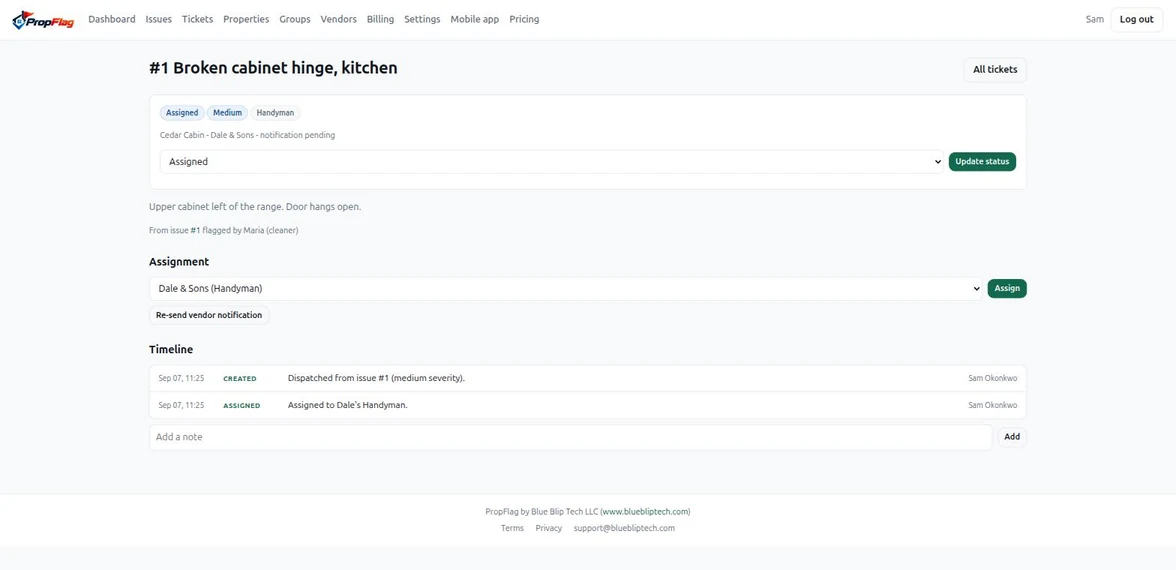
Your vendor accepts or declines the job, posts photos as they work, and marks it finished. Every assignment, note and status change lands on one timeline.
Three screens do the whole job. No modules to configure, no project plan to fill in.
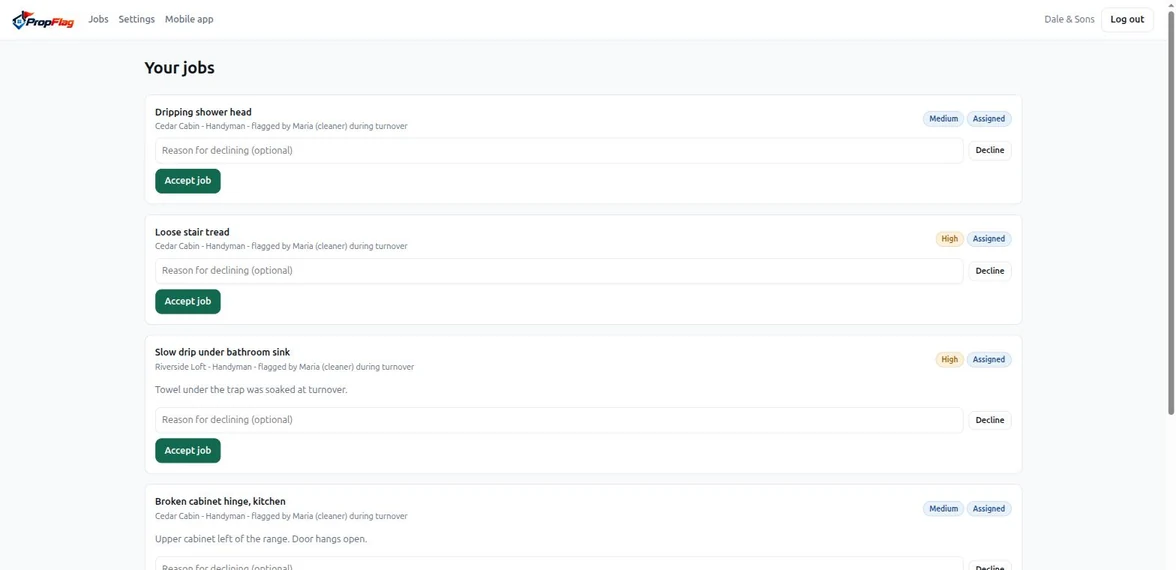
Every handyman, landscaper and plumber gets their own login at no cost to them or to you. Nothing to install: they open a link and see their jobs.
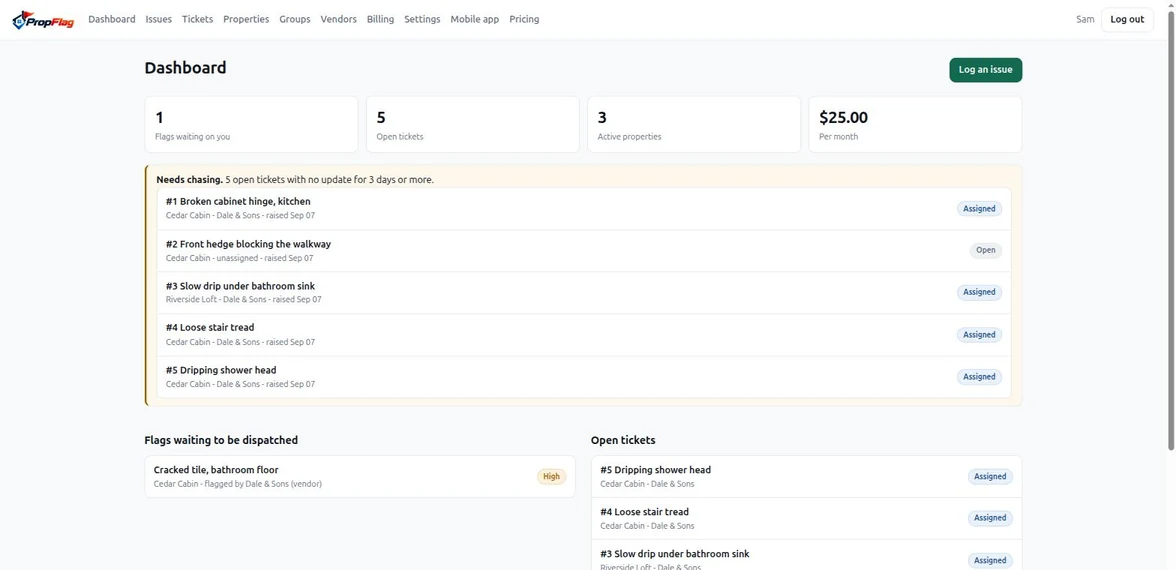
A job with no update for 3 days is flagged on your dashboard, so chasing is something you do on purpose rather than remember to do.
A photo when the issue is flagged, up to five per job from the vendor. Stored privately and shown only to the people on that job.
$25 a month for unlimited properties, vendors and work orders. Adding another cabin does not add another bill.
No. Keep your turnover tool for scheduling and checklists. PropFlag picks up at the point those tools stop: the broken thing your cleaner found still has to reach a vendor and come back fixed.
Open the link you send them and pick a password. They see only their own jobs, at the properties they cover. No app store, no fee, no account for them to manage.
No. Cleaners flag things the way they already do - a text, a photo, a note at the end of a clean. You log it in under a minute and the record carries their name.
Nothing is deleted. Dispatching and logging new work pause until you subscribe, and everything you already built is waiting when you do.
Yes, for you and for your vendors. Install it from the Mobile app page once you are signed in: it opens straight to the login screen, full screen, no browser around it.